Medallia Brand Guidelines & Media Toolkit

Build boldly. Create clearly.
Here’s how to do it the Medallia way.

A close-up of a black switch glowing green, positioned to the ON side, with ON and OFF labels visible on either end of the switch.

Bold by design.
Multi-dimensional.
Built to break through.

Our identity is intentionally bold, designed to surface what matters most—and exactly when to act.

Meet the brand.

Bold ideas lead the way. Confident choices guide them. Sharp execution brings them to life. All grounded in intelligent thinking, clear communication, and a distinctly sophisticated point of view.

Usage
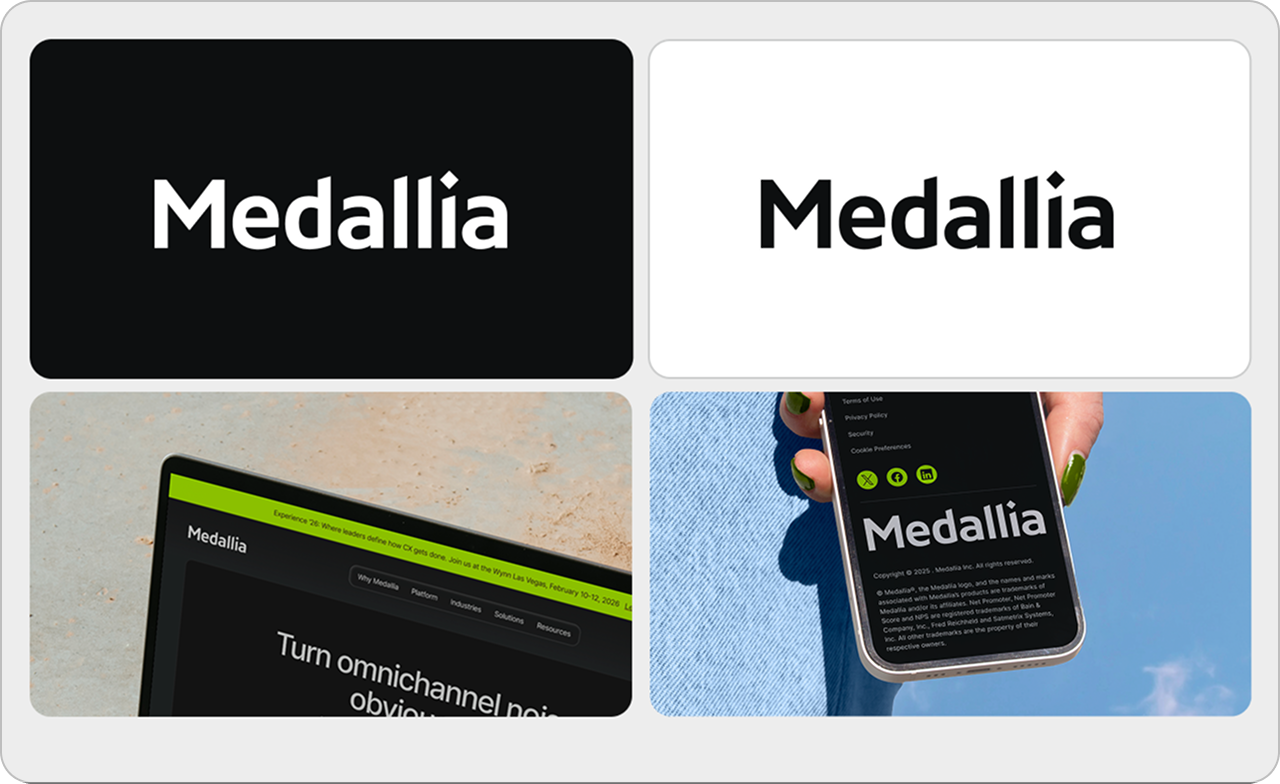
A collage of four images showing the word “Medallia” in different styles: two with bold text on dark and light backgrounds, one on a laptop screen, and one displayed on a smartphone held in a hand.
Wordmark Logo

The full wordmark is our primary logo and the most visible representation of Medallia. Use the wordmark logo in nearly every circumstance to ensure consistency and impact.

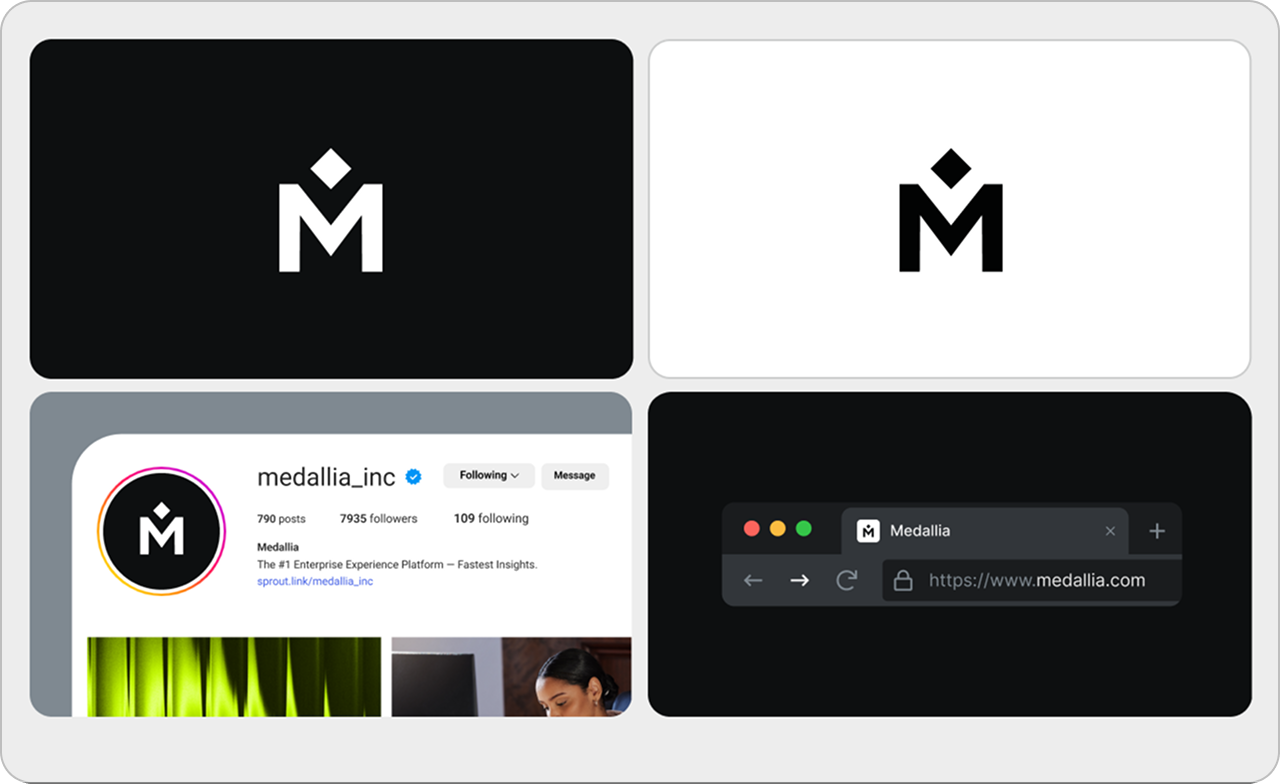
Four panels show variations of the Medallia logo on black and white backgrounds, its Instagram profile, and its website homepage displayed in a web browser.
Shorthand Logo

The shorthand logo is reserved for specific contexts: social app icons, Medallia product navigation, favicons, and swag (only if the full logo appears elsewhere). When the logo is smaller than 90x24px, use the shorthand logo to maintain legibility and clarity.

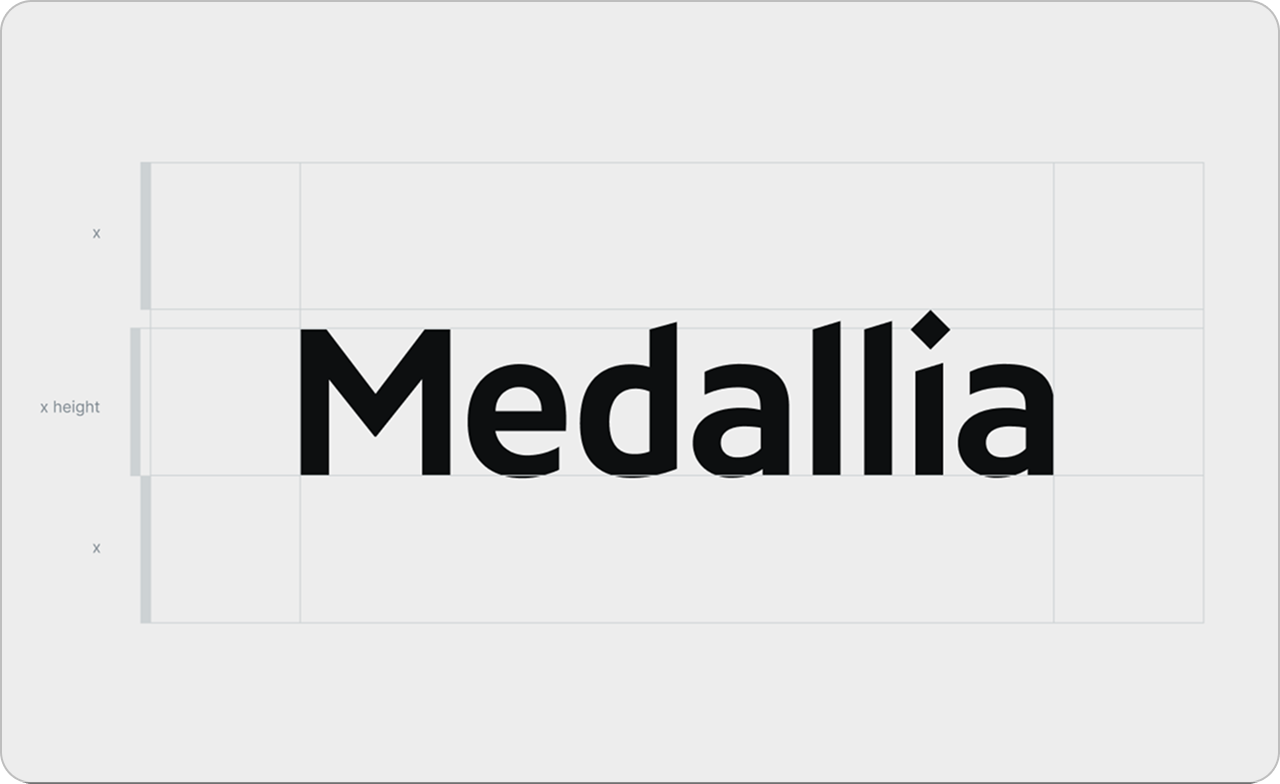
The word Medallia is written in bold black font on a light background, with horizontal guide lines marking the x-height and alignment of the text.
Wordmark safe zone spacing

For full logo, make sure an “M” from the logo can clear each corner.

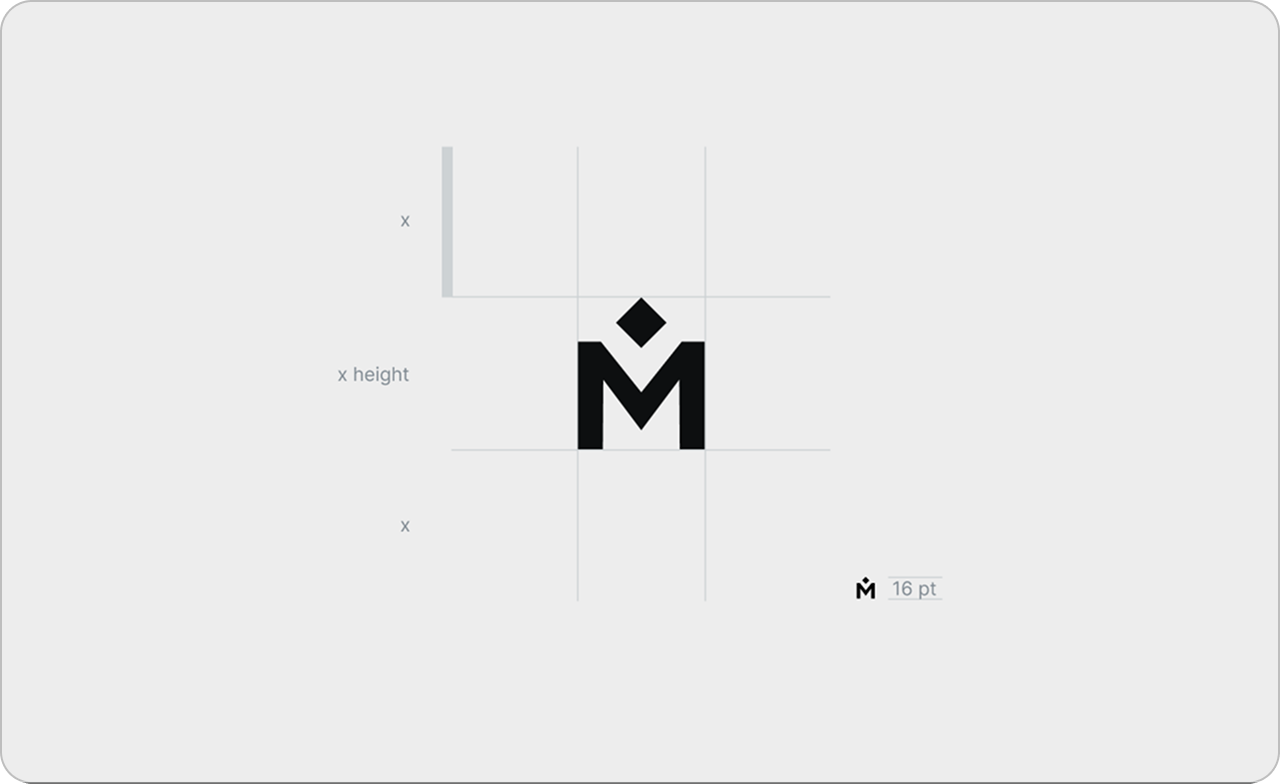
A minimalist black M logo with a diamond shape above it is centered on a white background with light gray grid lines and measurements illustrating the logos proportions and spacing.
Shorthand safe zone spacing

For shorthand logo, make sure the same size logo can clear each corner.

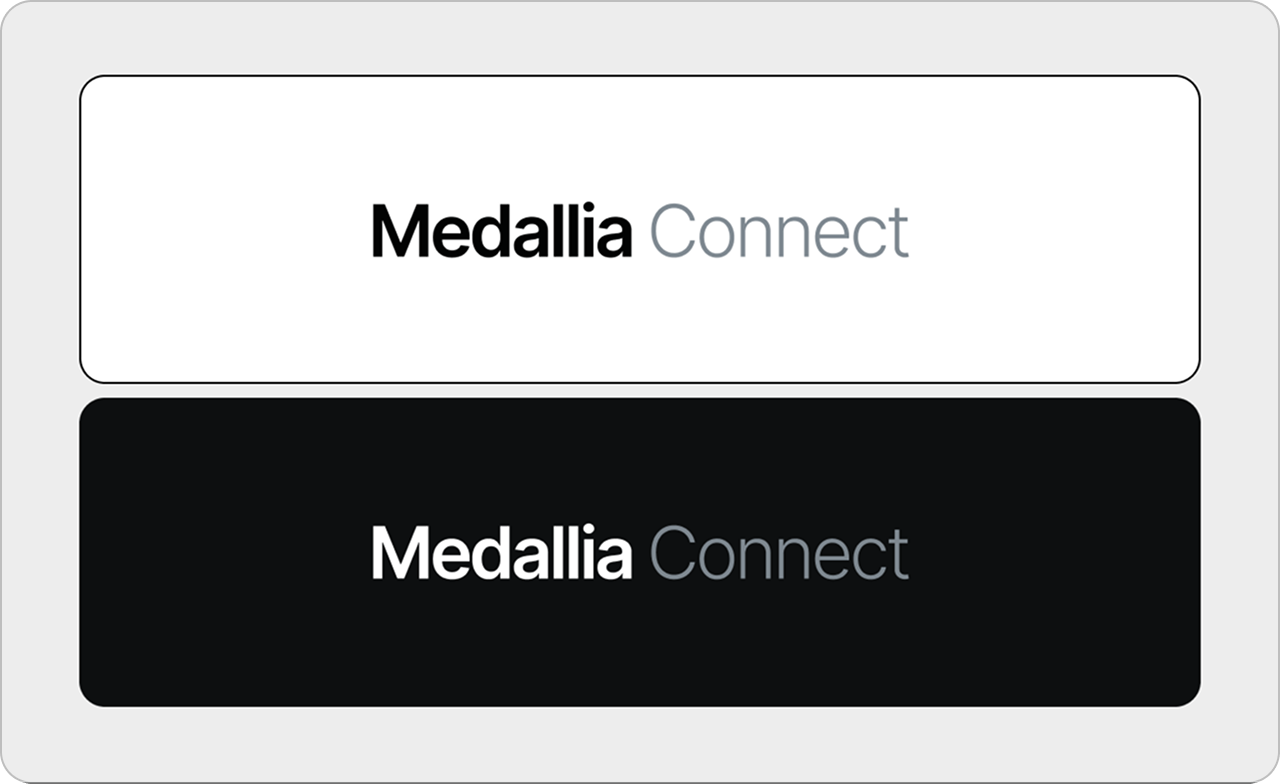
Two rectangular banners: the top has a white background with Medallia Connect in black and gray text; the bottom has a black background with Medallia Connect in white and gray text.
Internal logos

For internal programs, we write Medallia in semi-bold weight, and the following word in regular weight.

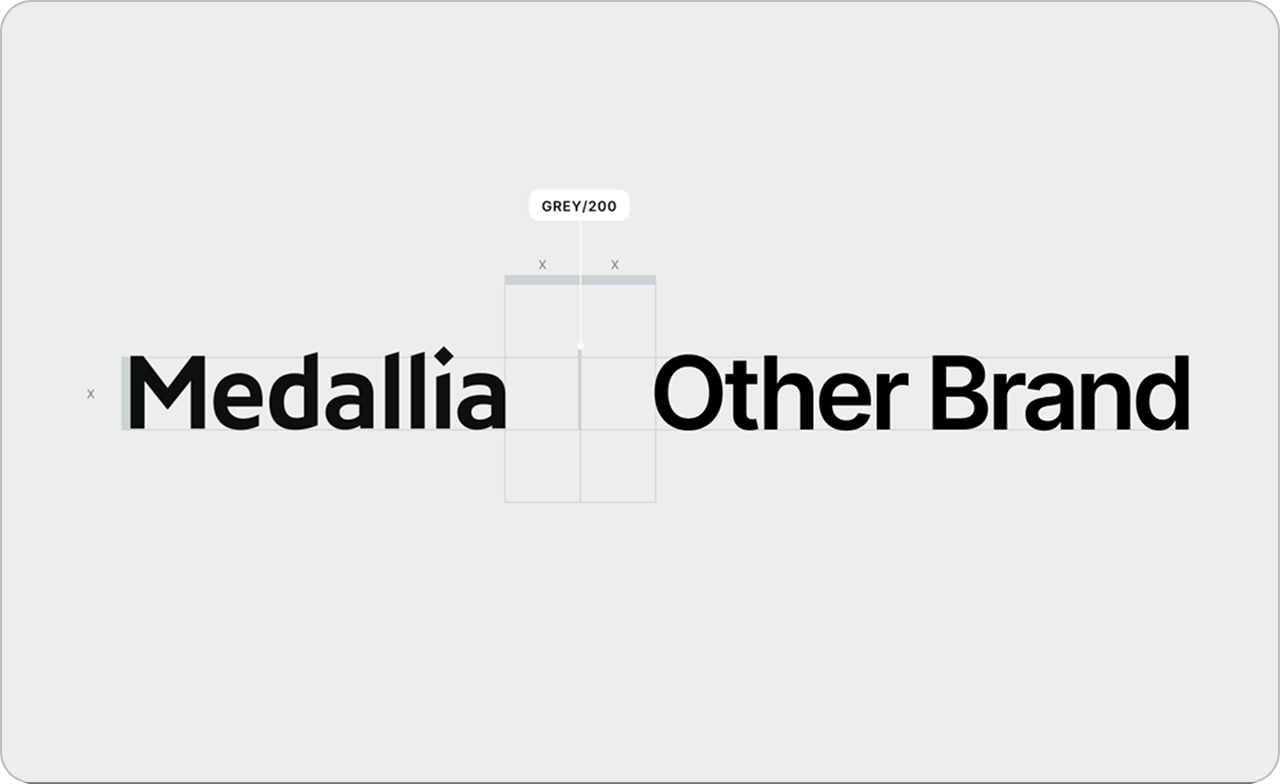
The image shows the words Medallia and Other Brand in bold black text on a light grey background labeled GREY/200, with space and a grid between the two words.
External logos

When pairing the full Medallia logo with another brand’s logo, take Medallia’s logo height, and use 0.8 of its size as the horizontal space between the line divider.

Color

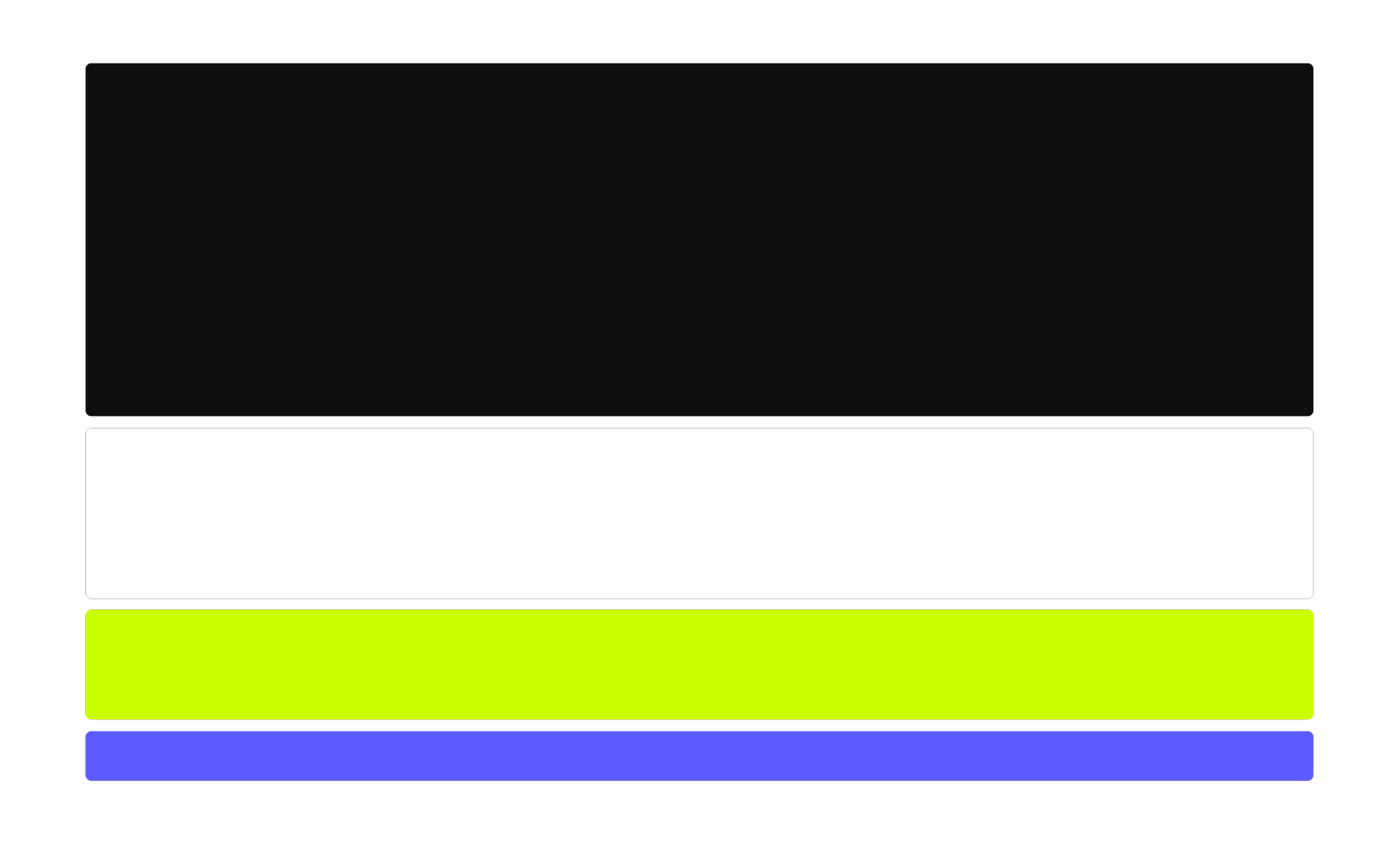
Medallia’s palette is bold, minimal, and purposeful. Flash green always signals action. Indigo carries our trust and authority. Off-black and white provide clarity, contrast, and a clean stage for the brand to shine.

Four horizontal rectangles stacked vertically: a black rectangle at the top, a white one below it, followed by a bright yellow-green rectangle, and a blue rectangle at the bottom, all on a white background.

Click a swatch to copy the hex.

Slate 950

Click to copy hex

#0D0F10 BACKGROUNDS, TEXT
A small black square with slightly rounded corners, filling the frame. The background appears uniformly dark with no visible patterns, textures, or details.
Frost

Click to copy hex

#FFFFFF BACKGROUNDS, TEXT
A small white rounded square with a thin grey outline, set against a plain background.
Flash 400

Click to copy hex

#C8FF00 CTA, ACTION
A square with rounded corners filled with a bright neon yellow-green color.
Indigo

Click to copy hex

#5B5BFF GLASS, GRADIENT, UI
A blue square with rounded corners on a white background.
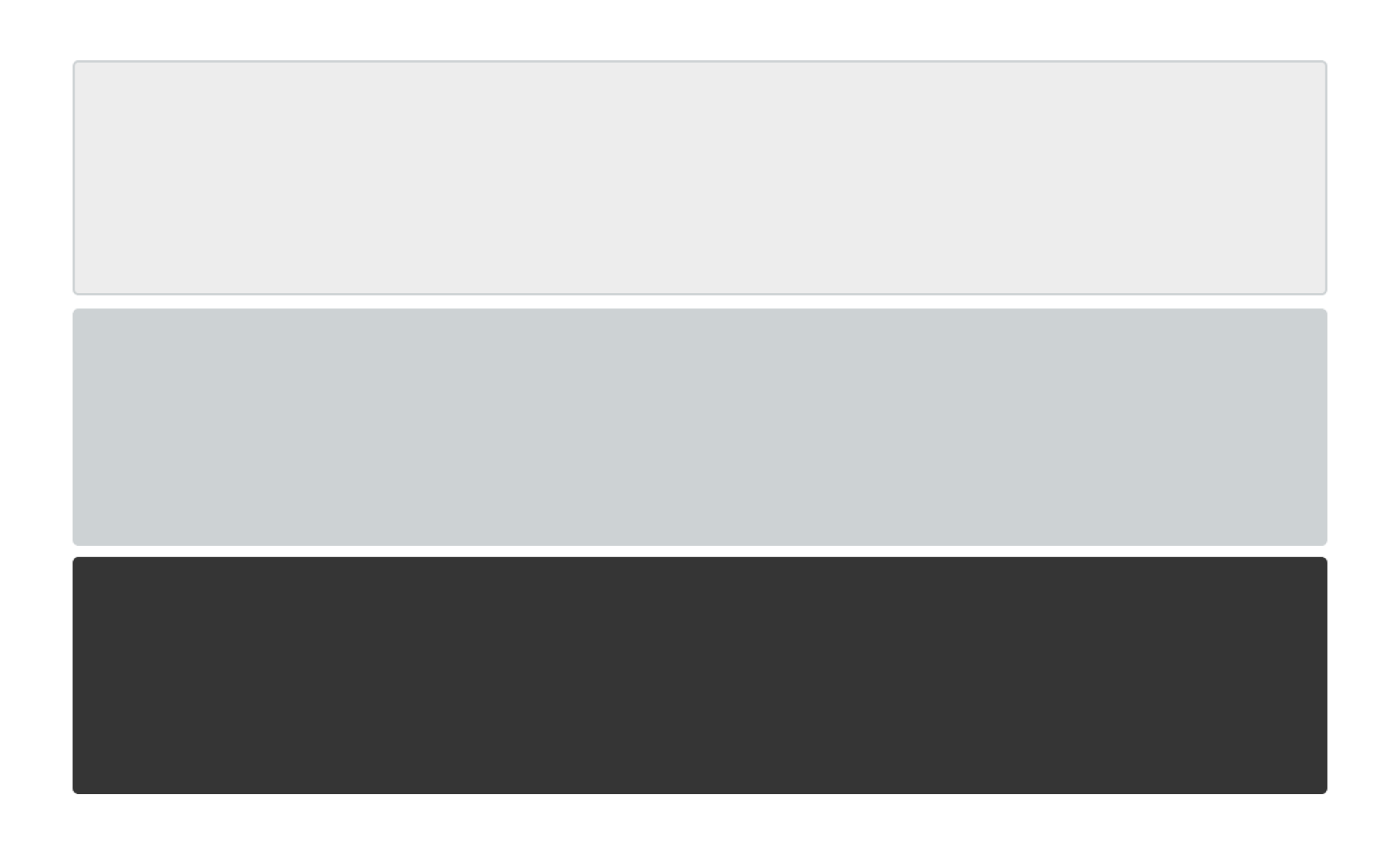
Three horizontal rectangles stacked vertically: the top is light gray, the middle is medium gray, and the bottom is dark gray. Each rectangle is the same size.

Click a swatch to copy the hex.

Slate 100

Click to copy hex

#EDEDED BACKGROUNDS, TILES
A small, square, light gray button with rounded corners on a white background.
Slate 200

Click to copy hex

#CDD2D4 DARK BACKGROUND BODY COPY
A small, rounded square with a light gray color filling the entire shape, displayed against a plain background.
Slate 800

Click to copy hex

#32363A LIGHT BACKGROUND BODY COPY
A small, solid dark gray square with rounded corners on a white background.
Accessibility
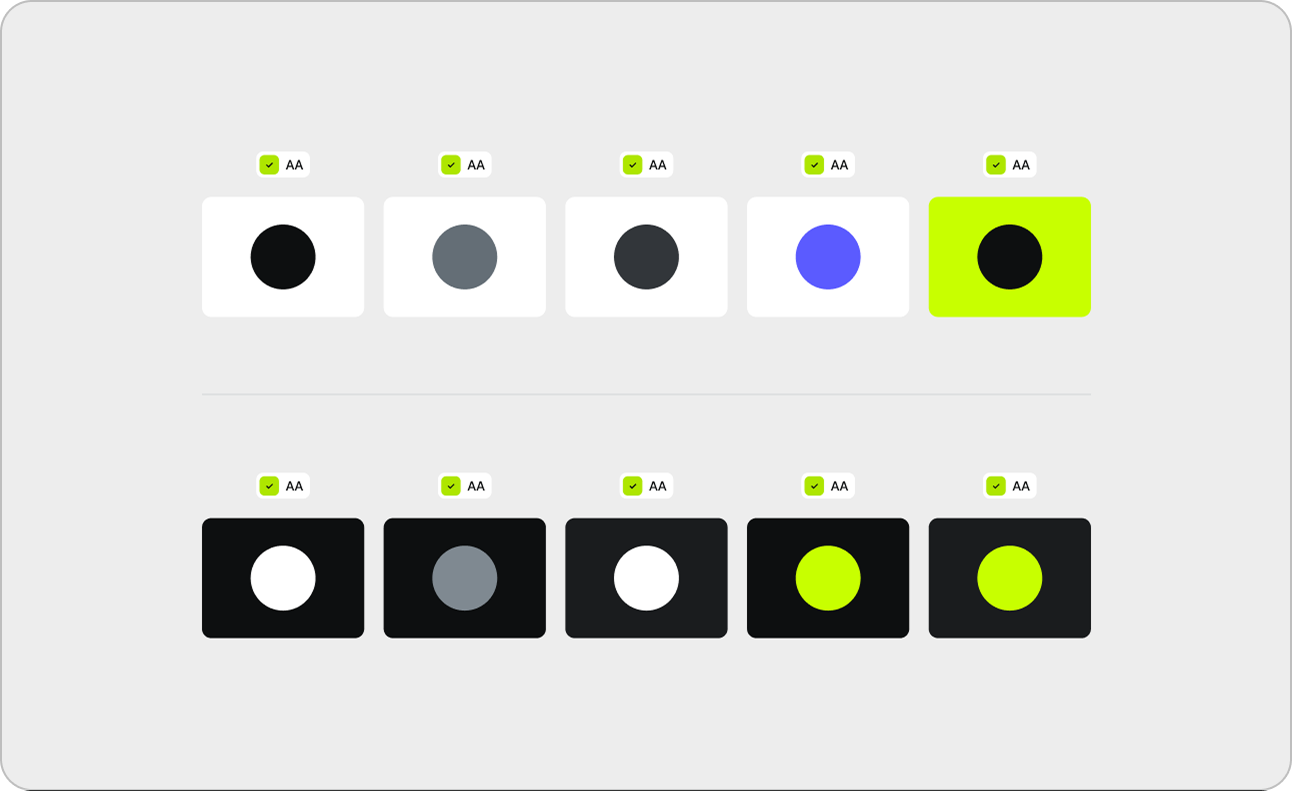
A grid shows circles in six colors—black, gray, dark gray, white, blue, and neon green—on light and dark backgrounds. Each color is labeled with an AA accessibility icon above it.
Use accessible color combos.

This type treatment meets accessibility standards and maintaining clear, high-contrast readability so all people can engage with it. Never use flash in type.

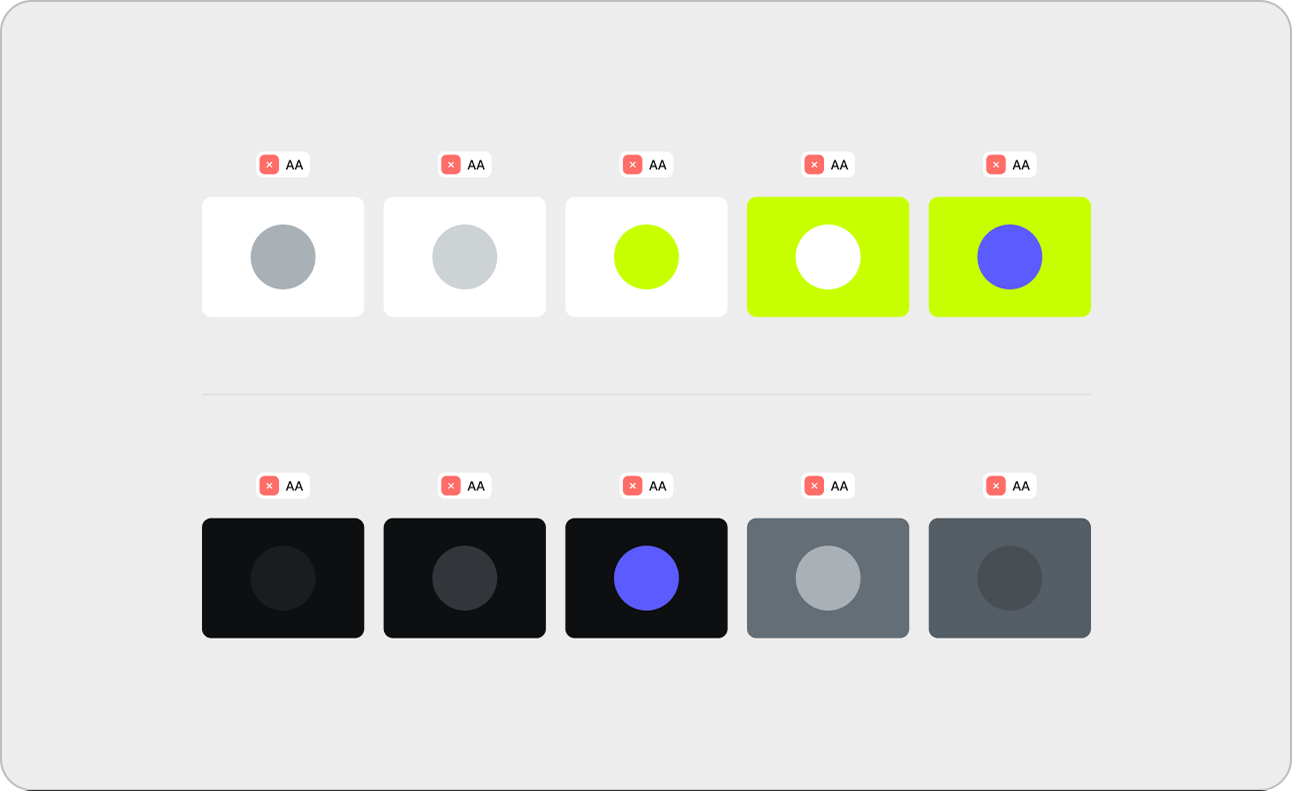
A color palette with two rows of color swatches. The top row has light backgrounds with colored circles; the bottom row has dark backgrounds with colored circles. Accessibility icons are shown above each swatch.
Stay away from inaccessible combinations.

These color combinations aren’t legible and should never be used.

Usage
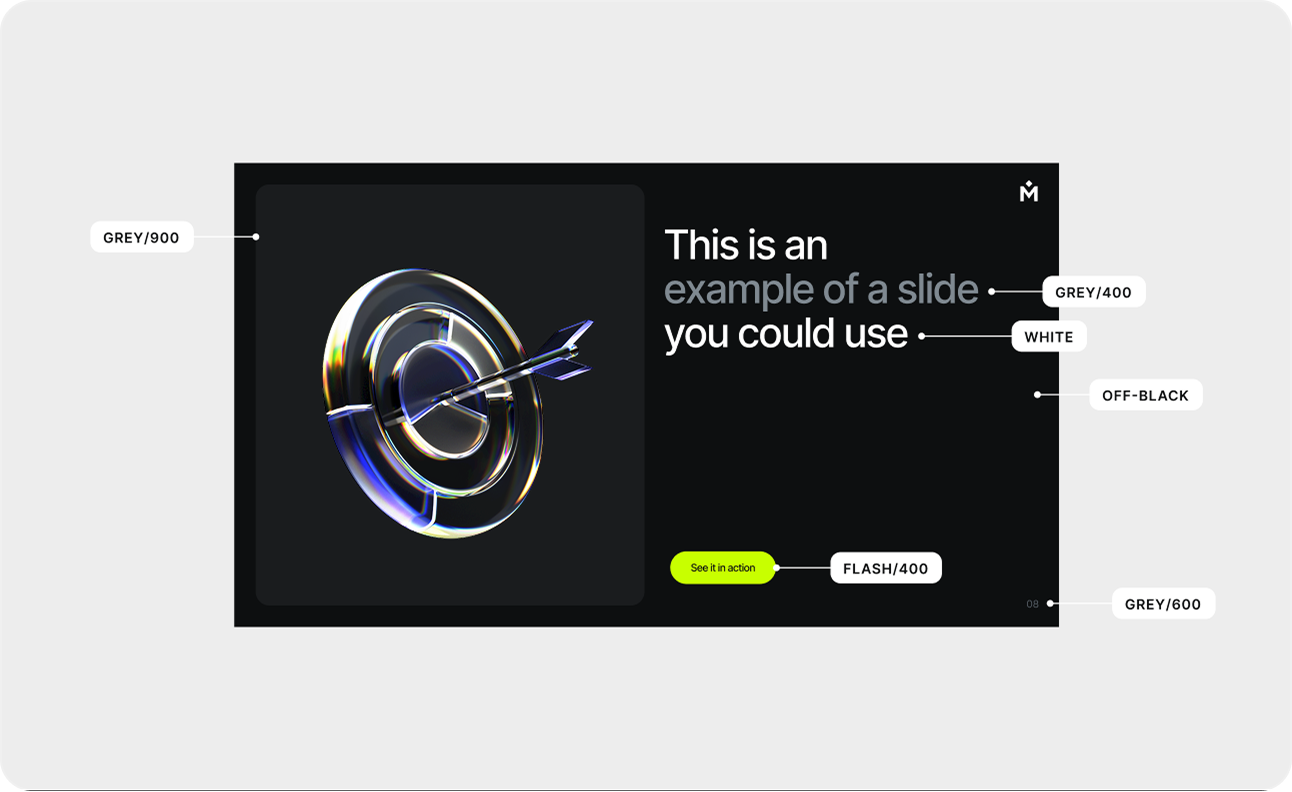
A slide features a 3D metallic target with an arrow on the left and sample text on the right that reads, This is an example of a slide you could use. Color labels and swatches are shown around the slide.
Dark

Dark grays pair with dark backgrounds to create subtle depth. Use high-contrast White for primary points, soft gray for supporting context, and Flash as the call to action.

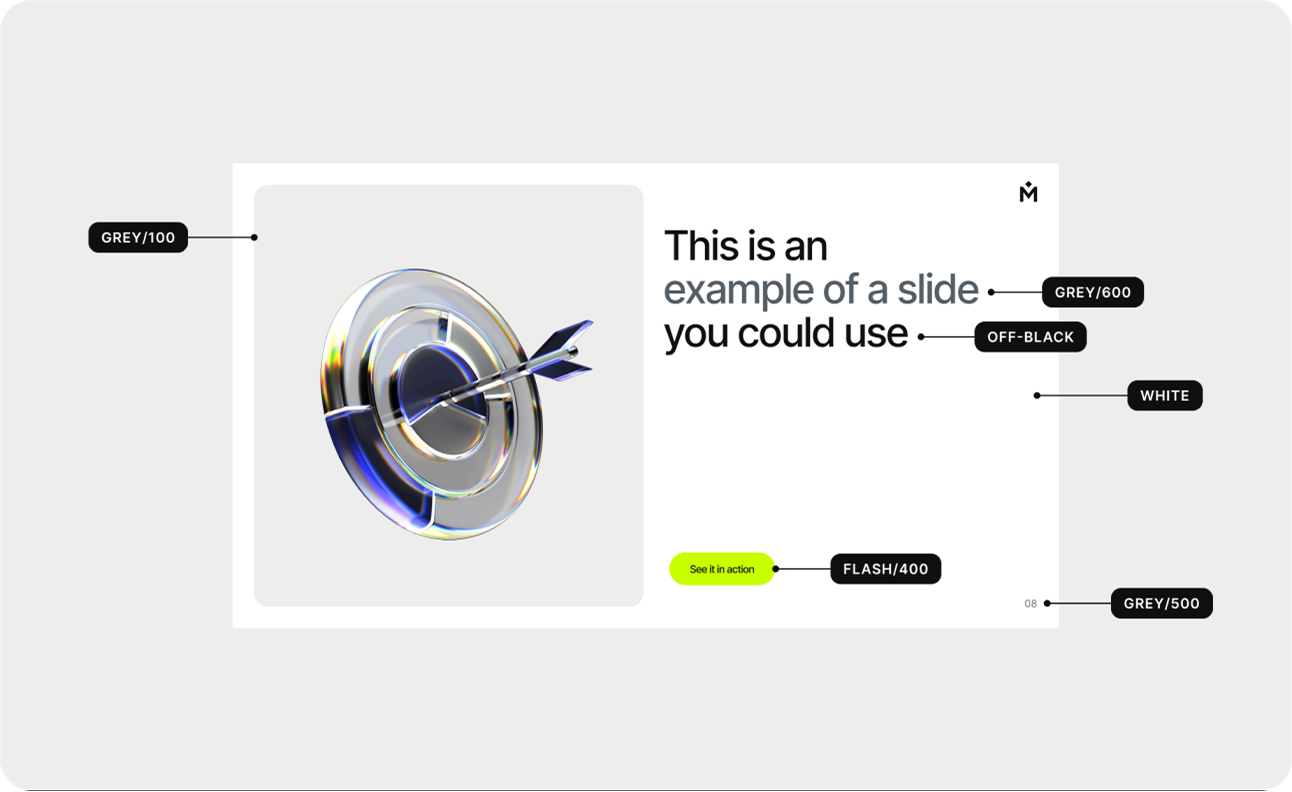
A presentation slide with a metallic bullseye and blue dart on the left, and text on the right reading This is an example of a slide you could use. Color labels highlight various slide design elements.
Light

Light grays pair with light backgrounds to create subtle depth. Use high-contrast black for primary points, dark gray for supporting context, and Flash as the call to action.

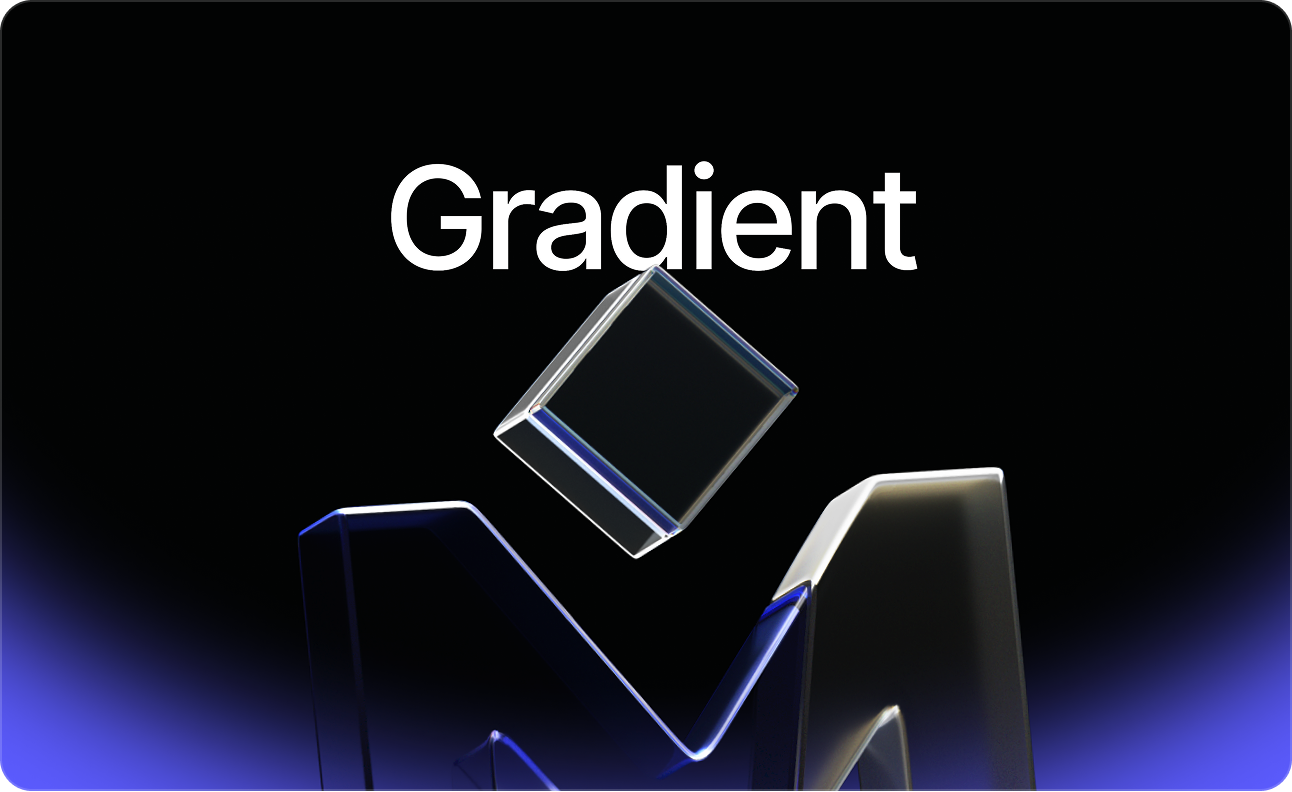
A 3D translucent cube floats above a stylized M shape on a dark background with a blue gradient at the bottom. The word Gradient appears in bold white text at the top center.
Dark Gradient

The gradient runs top to bottom with a fixed ratio and blur. This treatment must not be altered and is one of only two approved combinations.

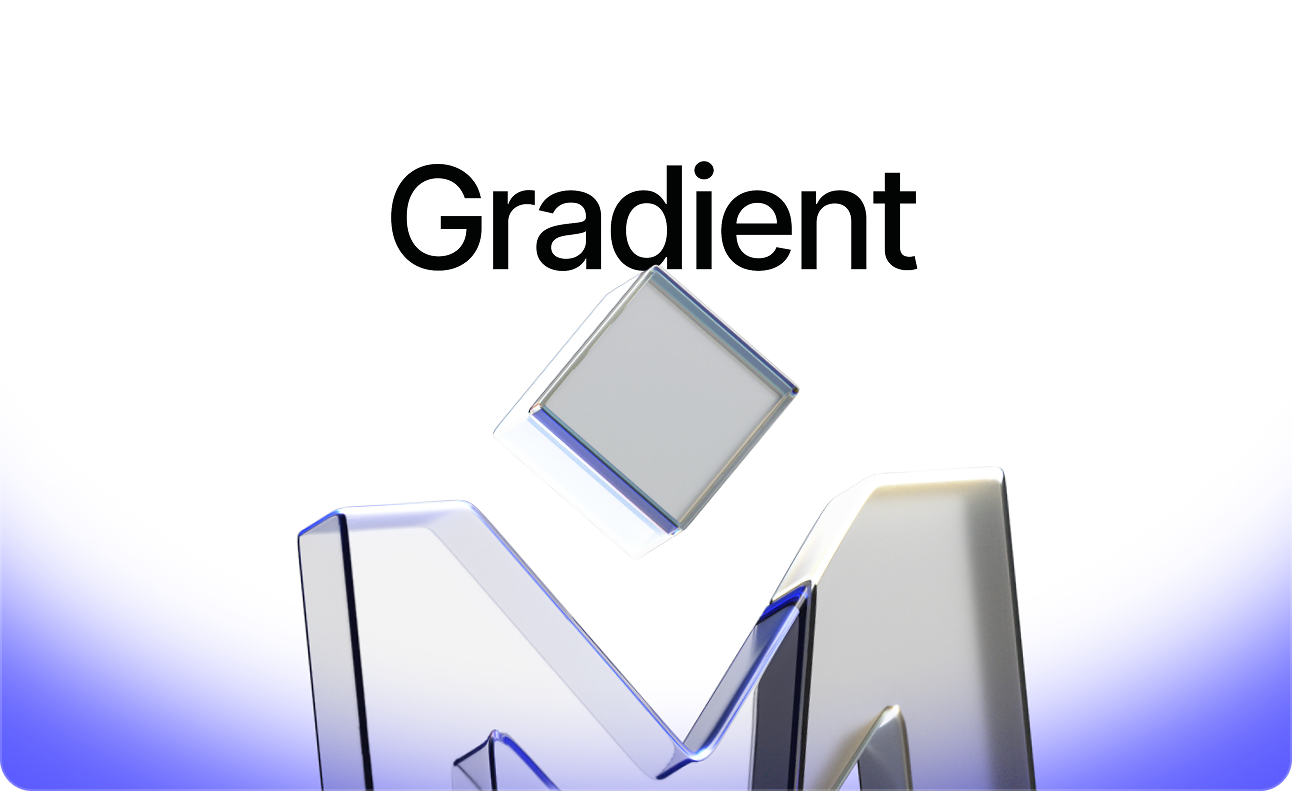
A metallic letter M topped with a glassy cube floats beneath the bold black word Gradient on a white background fading to blue at the bottom.
Light Gradient

The gradient runs top to bottom with a fixed ratio and blur. This treatment must not be altered and is one of only two approved combinations.

Iconography

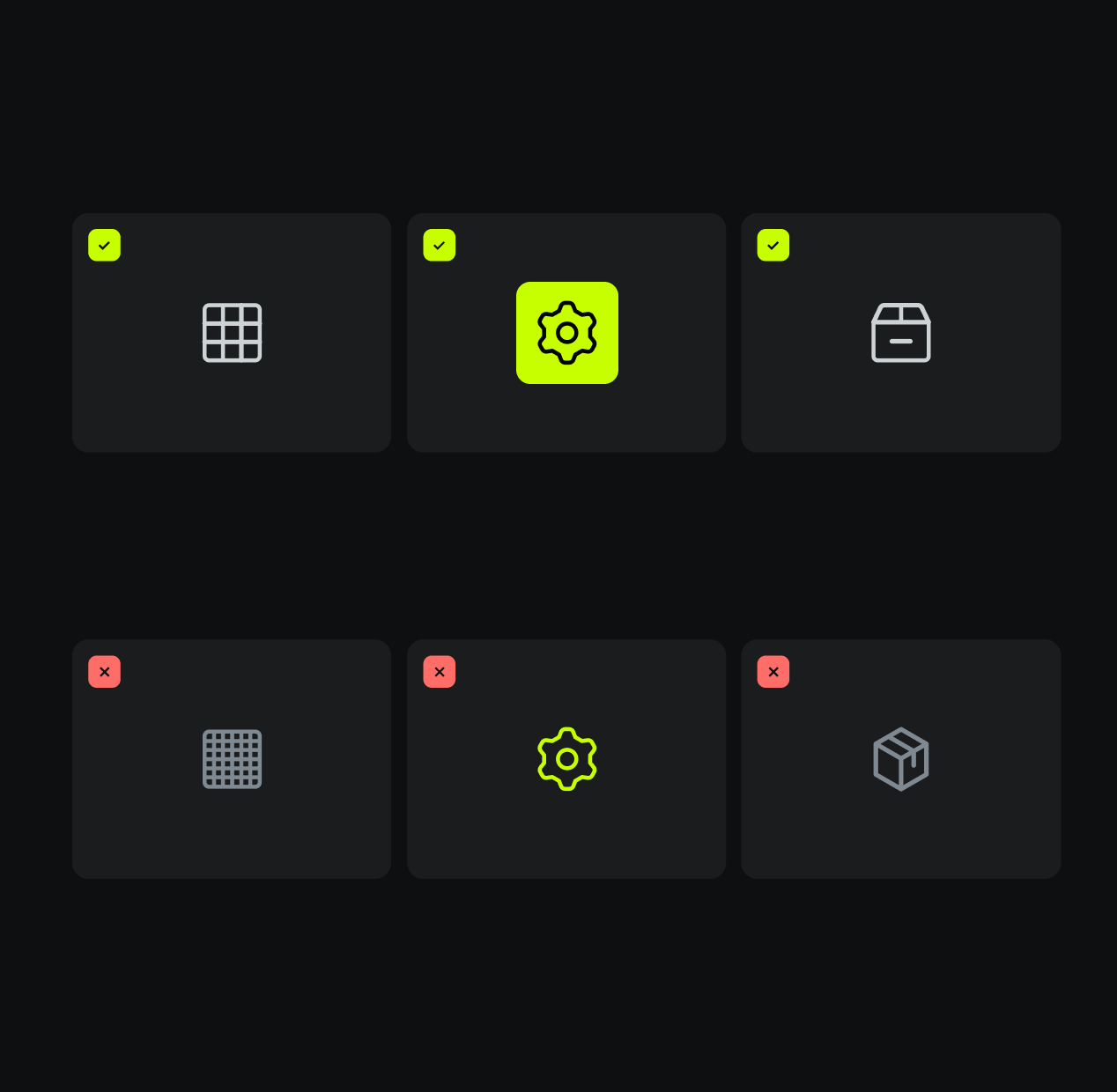
If you’re talking about product functions, or there are multiple products on one screen, use icons. Wherever possible, use existing icons to maintain consistency and reinforce visual concepts across Medallia products so they become familiar to customers.

  • Use icons from the approved library, not a 3rd party source.
  • Use simple shapes with the minimum detail.
  • Use familiar symbols with established associations.
  • Use shapes that appear straight on without complex dimensions.
A grid of six dark cards with icons: the top row has a grid, gear, and box icon with green check marks; the bottom row has the same icons in the same order with red X marks. The gear icon background is highlighted.

Typography

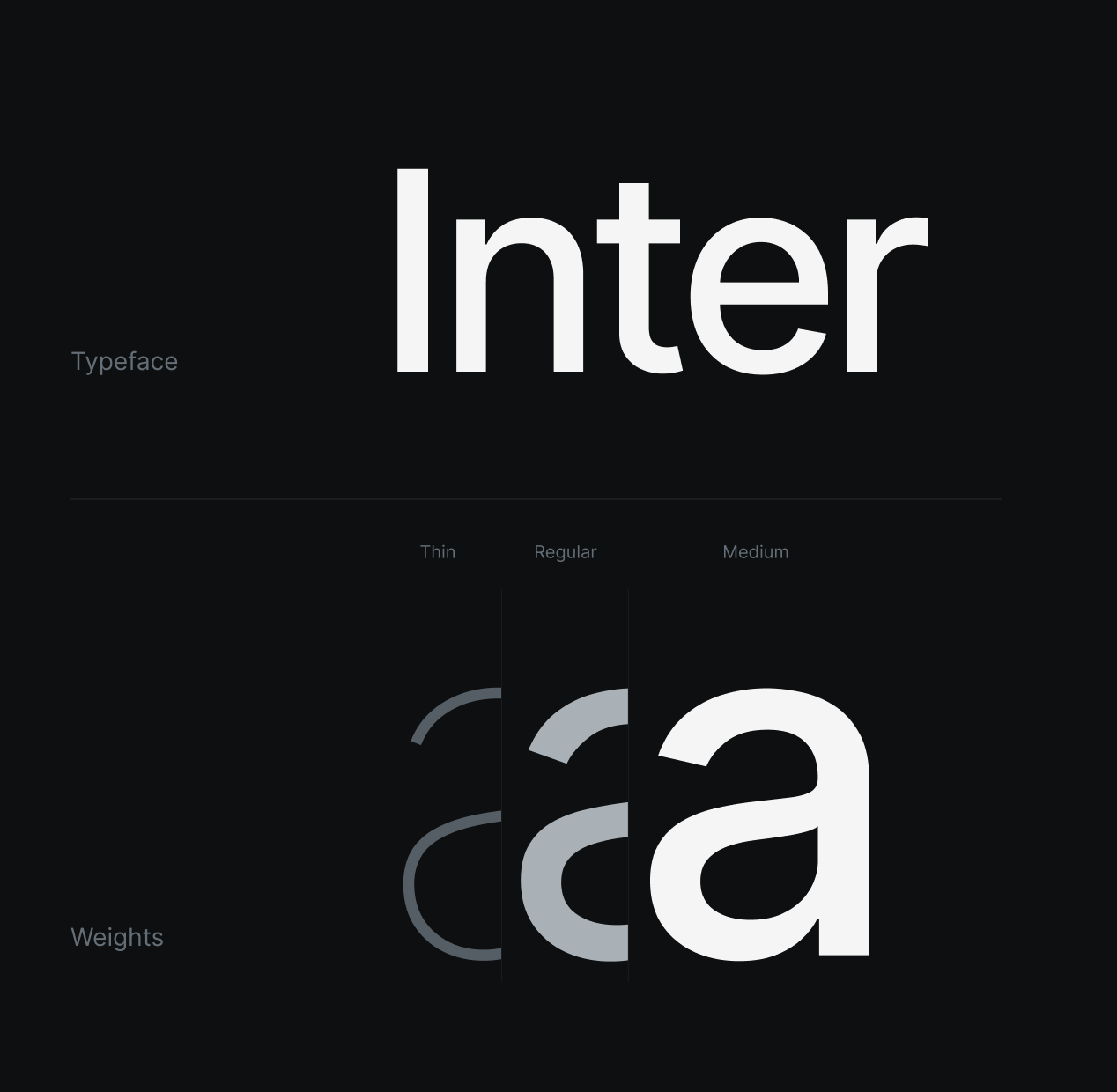
Inter keeps Medallia messaging clear and approachable. Follow weight guidance to create hierarchy, focus, and readability.

  • Use Inter Medium for headlines.
  • Use Inter Regular for body copy.
  • Kern headlines to -5% when possible.
  • Use Inter Tight for headlines in Google Slides.
Image showing the word “Inter” in bold white text on a dark background. Below, three large lowercase “a” letters display different weights: thin, regular, and medium. Labels read “Typeface” and “Weights.”.

Visual Identity

We use high contrast, electric color, glass, and dimensional objects to make a complex product unmistakably clear and impossible to ignore.

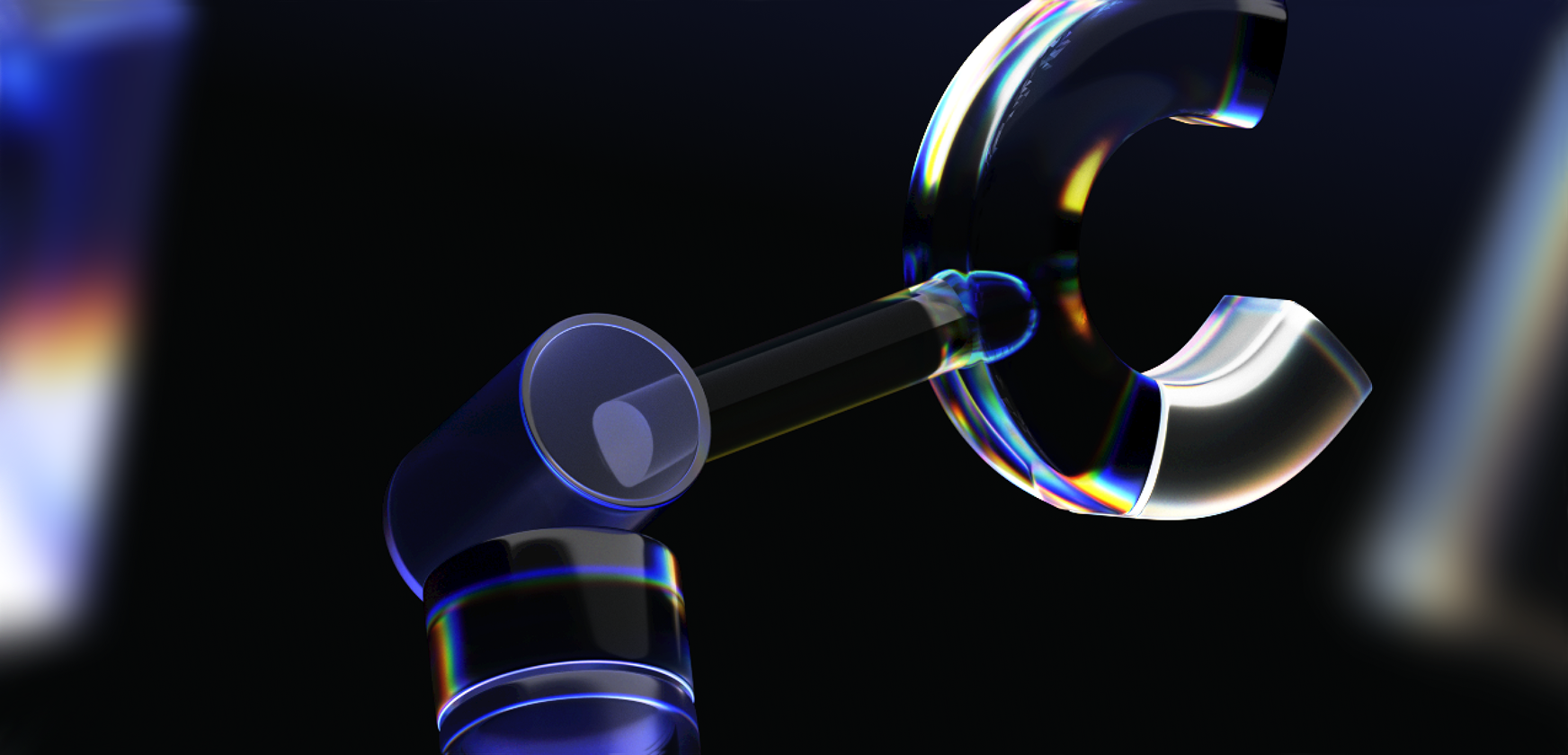
Depth and dimension
Component 1

3D is the backbone of Medallia’s visual language, turning abstract signals into something you can actually see. Our spatial forms give shape to data, sharpen complexity, and make the mechanics of experience unmistakably clear.

A close-up of a translucent robotic arm with a clamp-like hand, featuring blue and rainbow-colored light reflections, set against a dark blurred background.
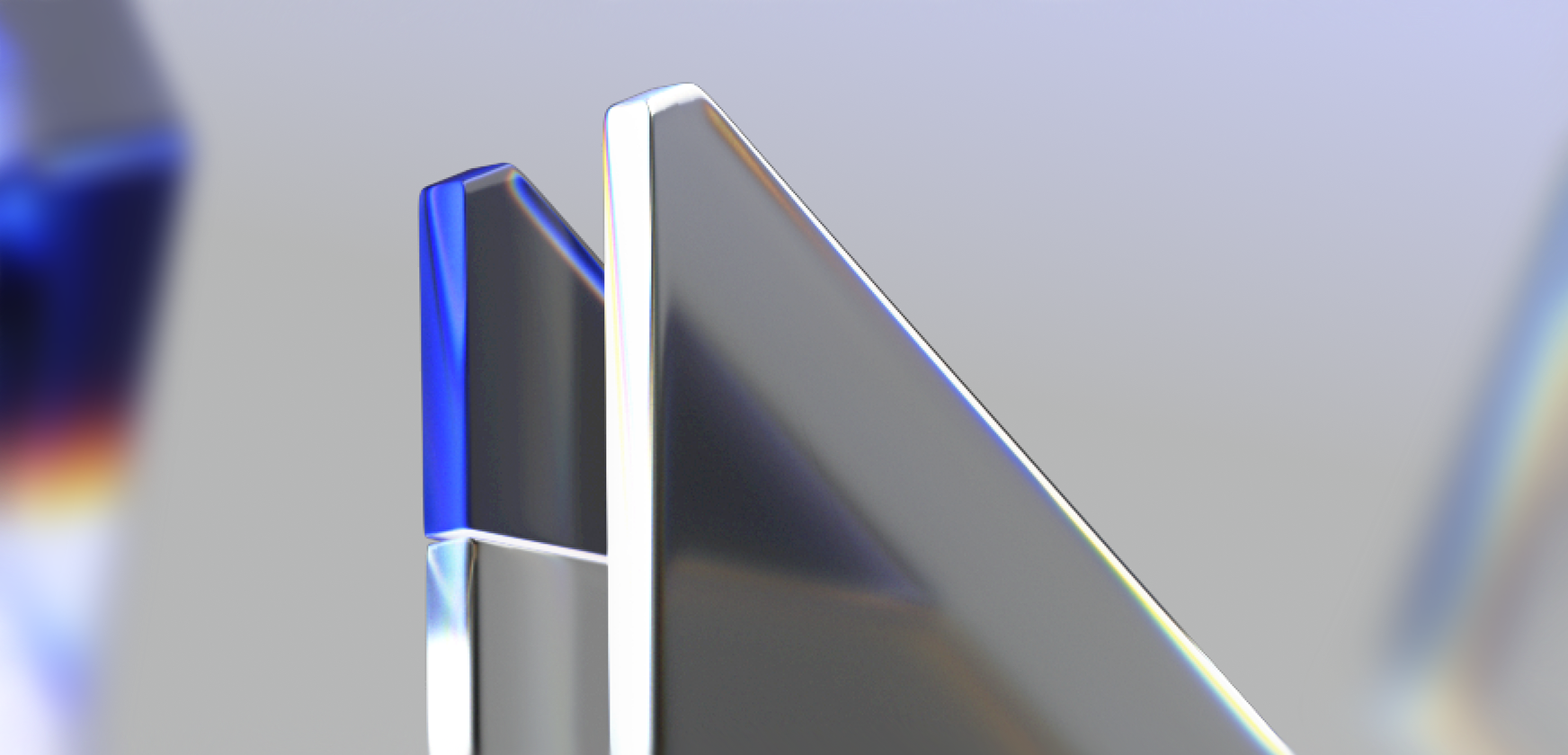
Glass
Component 2

Glass is intentional. It lets you see what’s happening under the hood, sophisticated complexity. Each part of the product working together in harmony.

When light hits it, glass adds dimension, revealing details you’d otherwise miss. It brings what matters out of the dark and into focus.

Two abstract, glass-like geometric shapes with sharp edges and reflective surfaces stand upright against a soft, blurred background with hints of blue and purple hues.
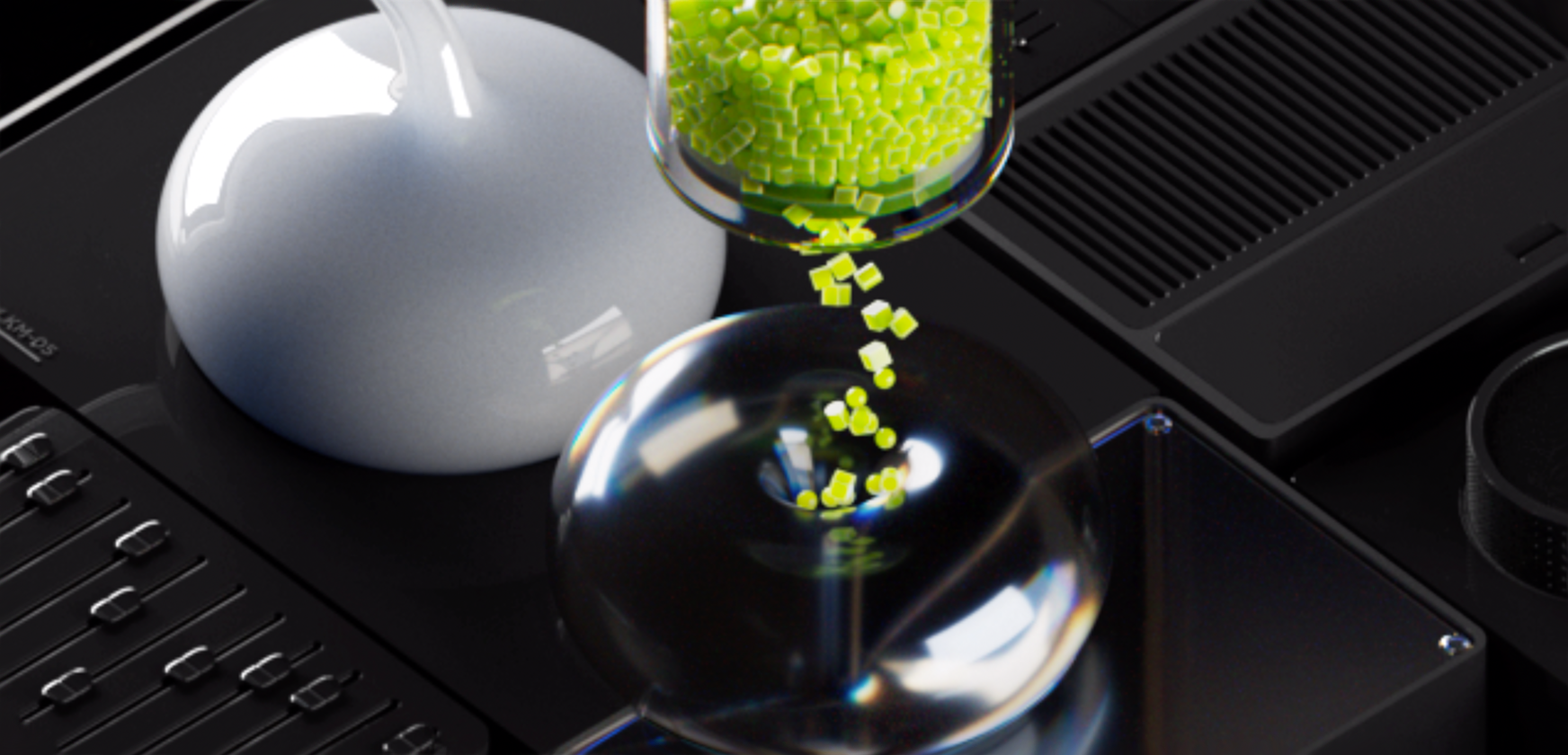
The Machine
Component 3

Step back, and you see the scale: countless signals moving through a living system. Look closer, and each part becomes its own icon of how Medallia turns noise into outcomes.

  • Use to bring the product to life.
  • Use to grab attention.
  • Use to create texture and depth.
  • Do not use for customer stories.
  • Do not use for analyst reports.
A close-up of small green cubes being dispensed from a transparent container into a shiny, reflective bowl, surrounded by dark, modern laboratory equipment.

Boilerplate

Use the boilerplate in all external communications and formal company documentation, including press releases, company overviews, job postings, and contracts. For questions and use, please email [email protected].

Medallia is the global leader in customer and employee experience, trusted by the world’s most iconic brands — including 7 of the Fortune 10. Medallia’s AI-driven platform helps enterprise organizations turn billions of feedback signals into clear, prioritized actions. With deep domain expertise, a powerful partner ecosystem, and consistent leadership recognition from top industry analysts, Medallia transforms customer experience into a strategic driver of business growth. Learn more at www.medallia.com.

Corporate Assets

These formal assets should only be used when talking about a specific executive or referring to a specific office.

A rectangular gradient background with rounded corners, transitioning from deep blue at the bottom to black at the top, creating a glowing effect.

End of the page,

start of good work.

If something is missing or you have any questions, just